Fits & Tolerances
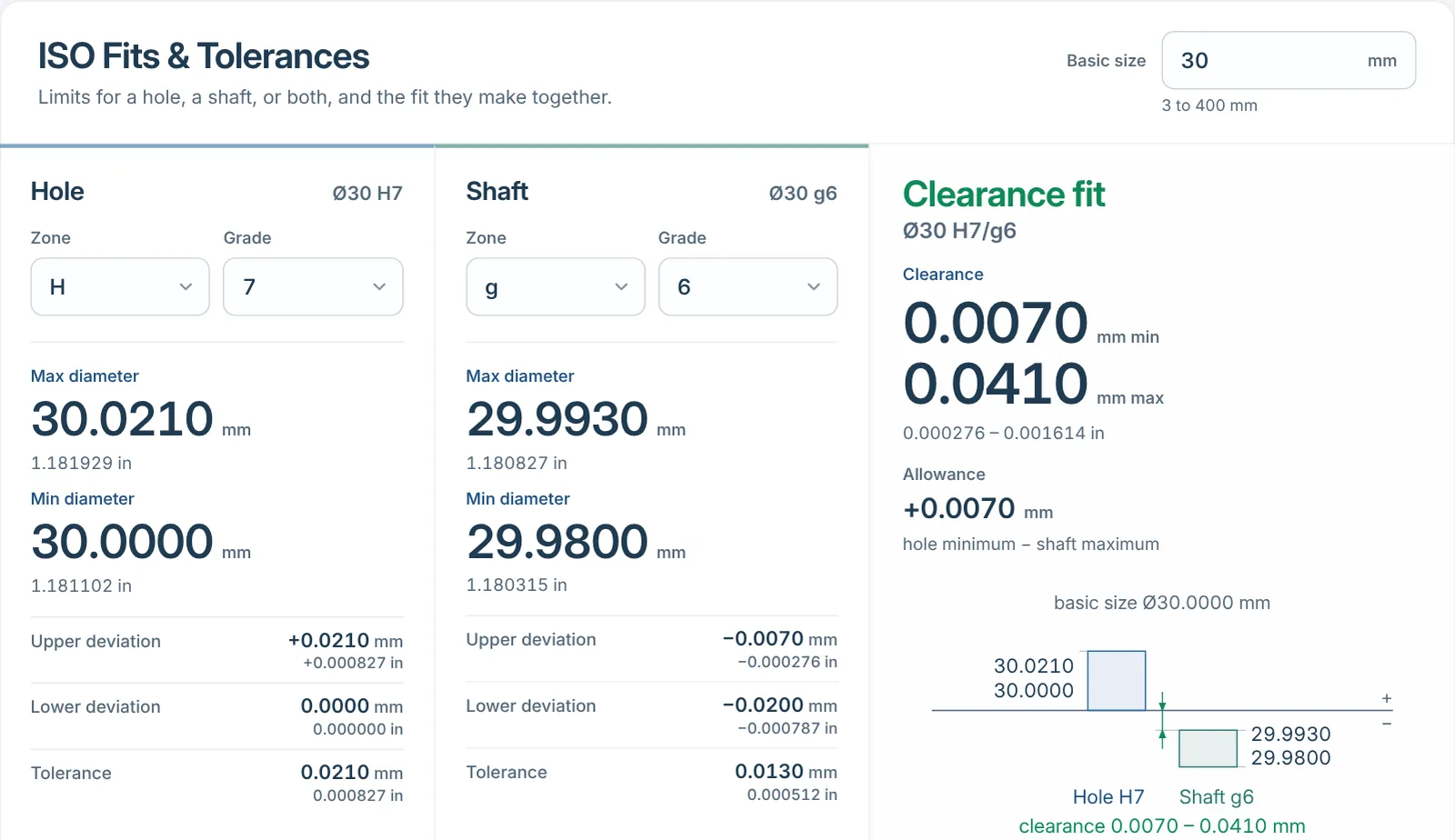
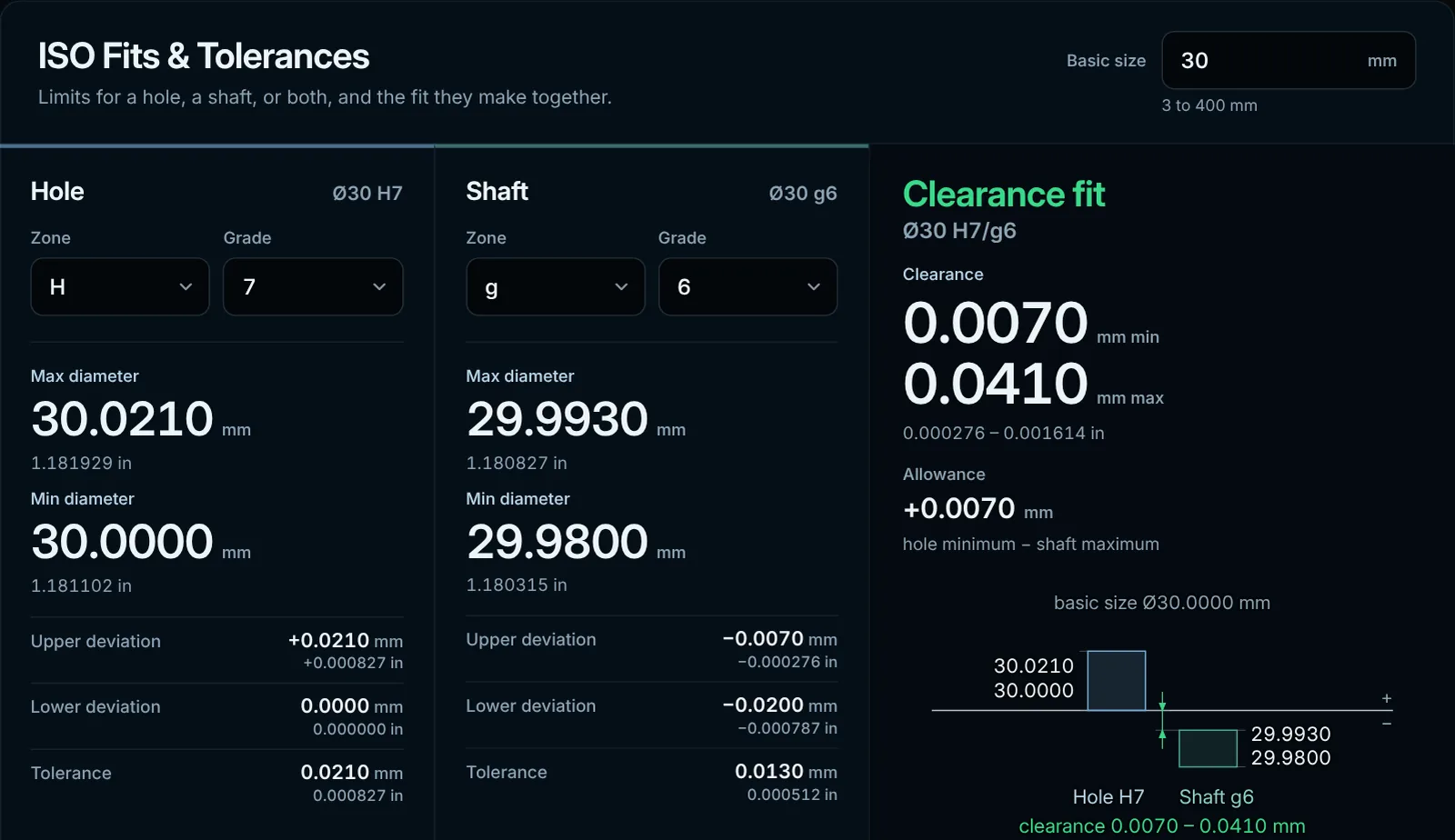
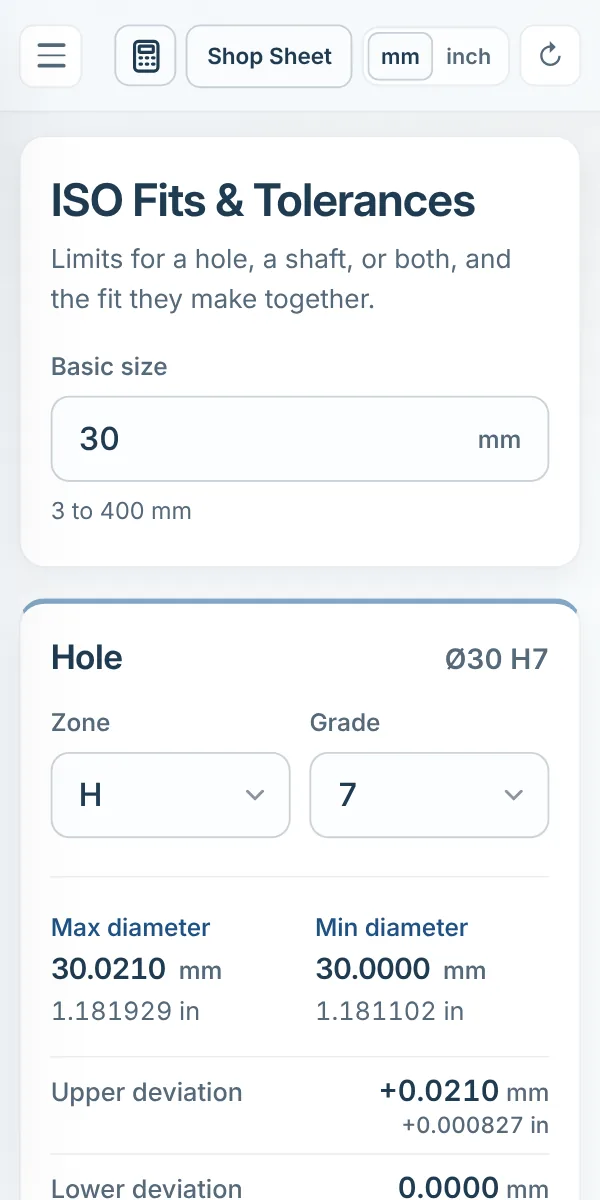
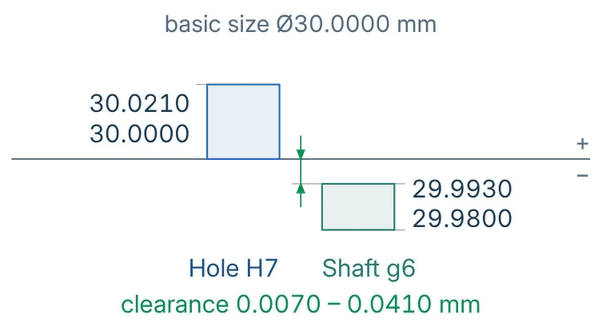
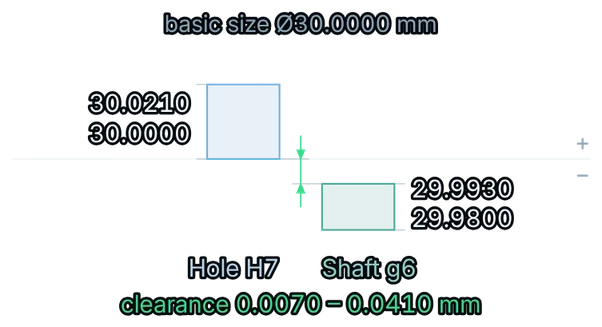
Choose a basic size, hole tolerance, and shaft tolerance to see deviations, limits, fit designation, and the resulting clearance, transition, or interference relationship.
Machinist Companion combines everyday machining calculators, geometry solvers, threading tools, and reference data in one fast, consistent interface.
Each tool uses the same compact interaction model, so moving from fit selection to a tap drill or surface-finish calculation feels immediate.
Choose a basic size, hole tolerance, and shaft tolerance to see deviations, limits, fit designation, and the resulting clearance, transition, or interference relationship.
Calculate target tap-drill diameter and compare it with practical available drill sizes.
Move quickly between cutting speed, spindle speed, feed, tool diameter, and related shop values.
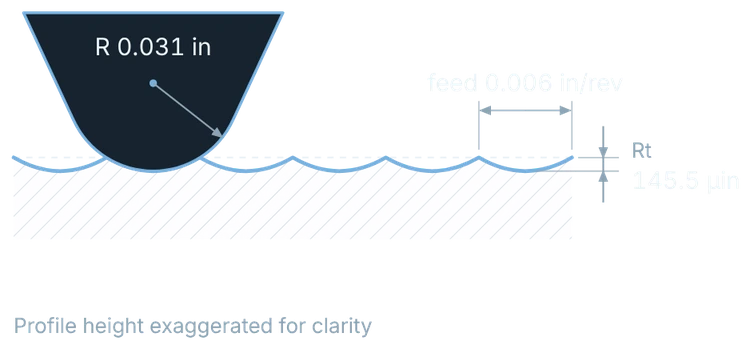
Estimate theoretical turning and milling surface finish from tool geometry and cutting parameters.
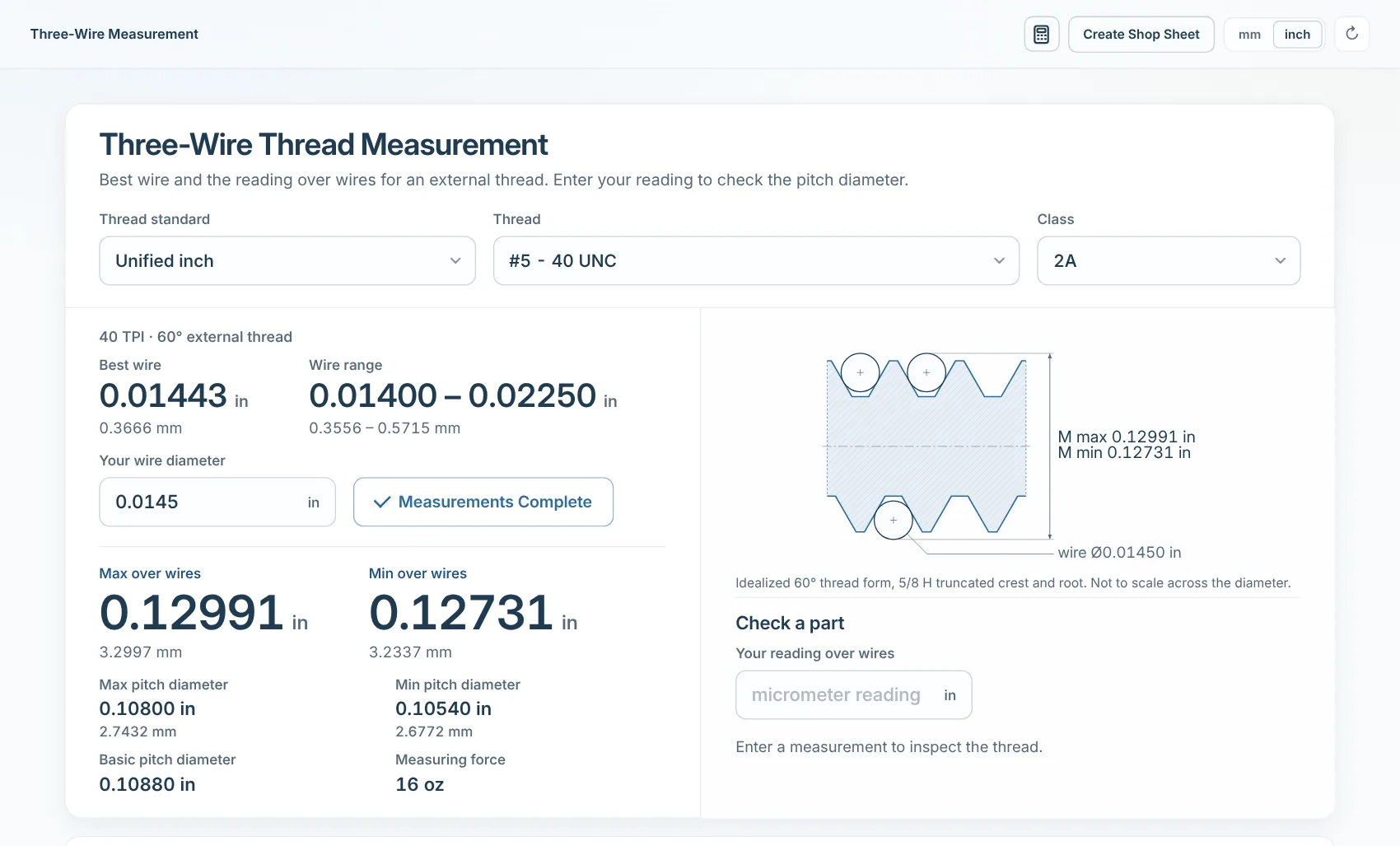
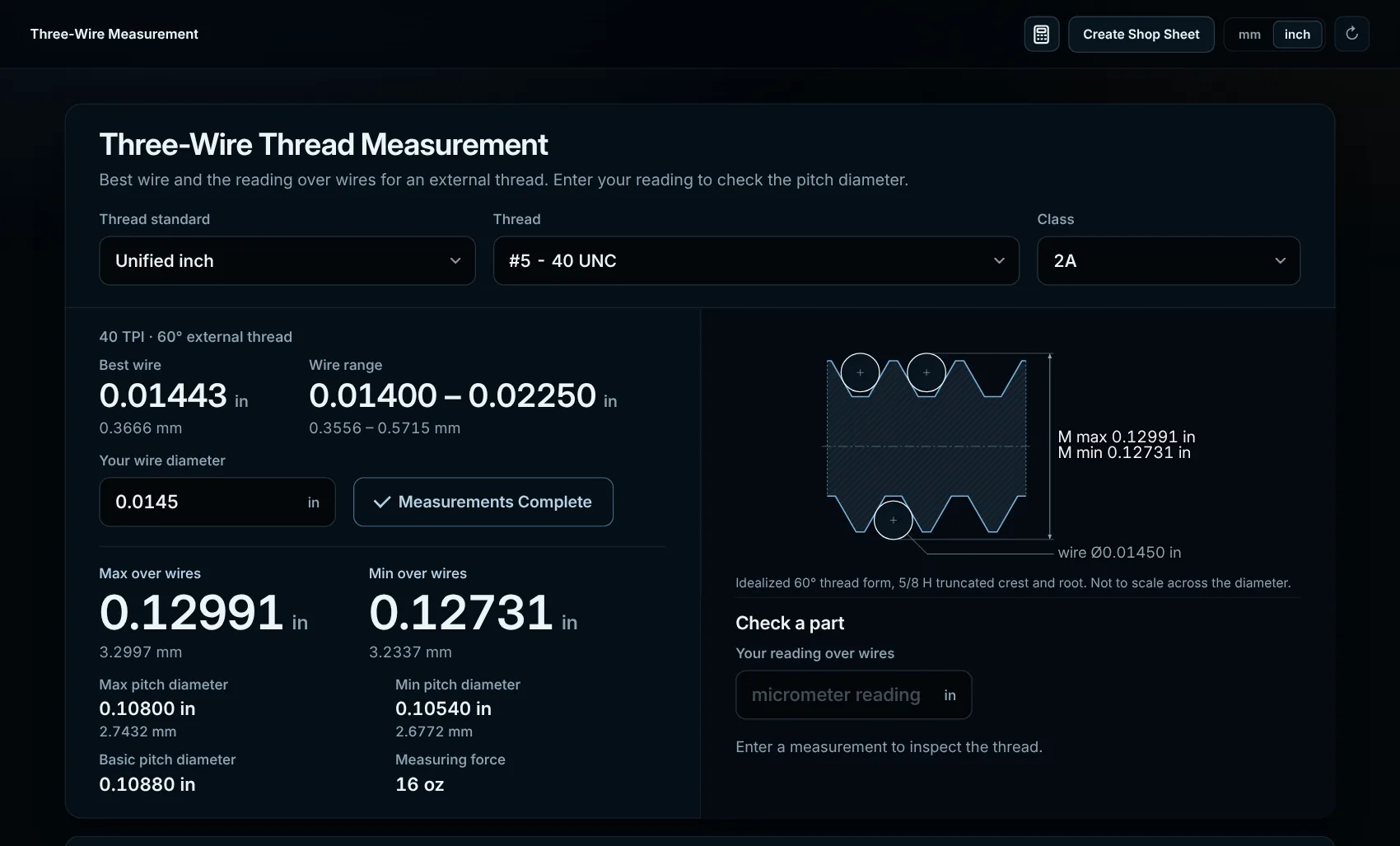
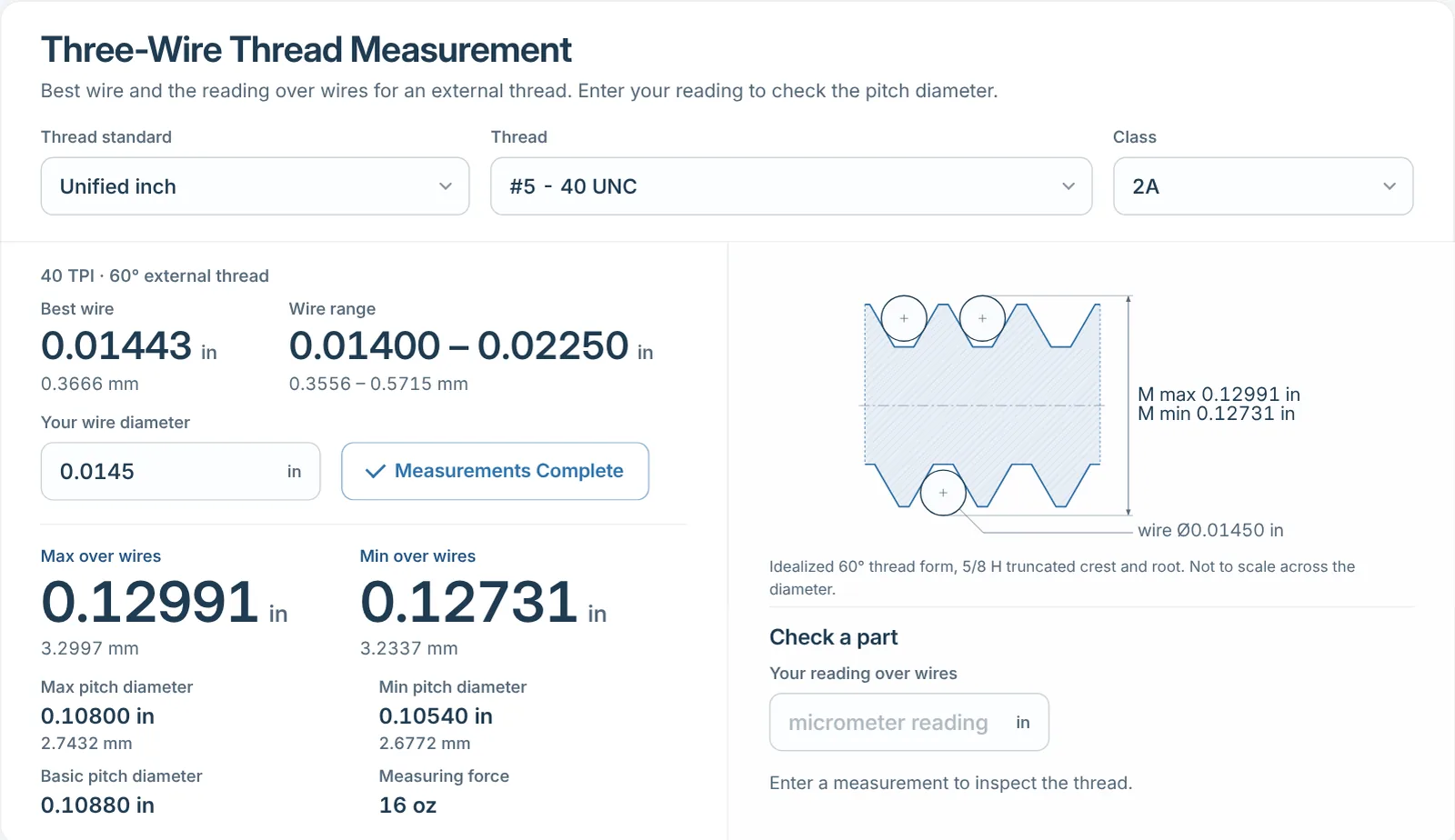
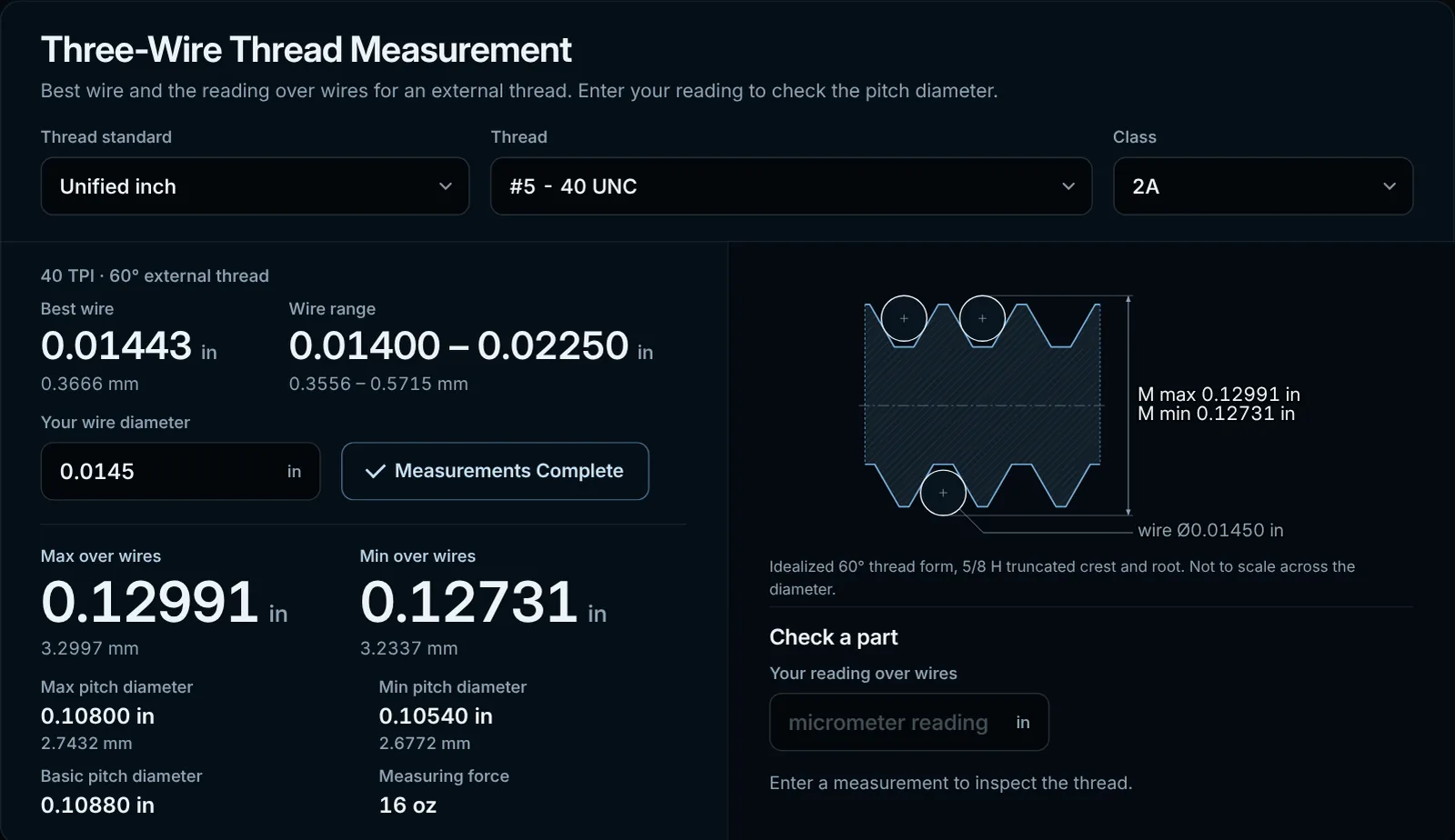
Support external thread measurement over wires with the values organized for practical inspection work.
Convert between hardness scales by material family, from carbon steel to copper alloys, instead of hunting through a generic chart.
Fill in known sides or angles and solve the remaining geometry for setup and layout work.
Unified, metric, and NPT tap-drill data, drill sizes, countersink and counterbore tools, plus a G & M code reference live beside the calculators.
Jump directly to the calculator, geometry solver, thread tool, or shop reference you need.
Describe the tool, material, and cut, and the Advisor returns a modeled starting point plus a full Machining Envelope around it — drag independently toward conservative or aggressive on RPM and feed rate, and watch the resulting values update as you go.
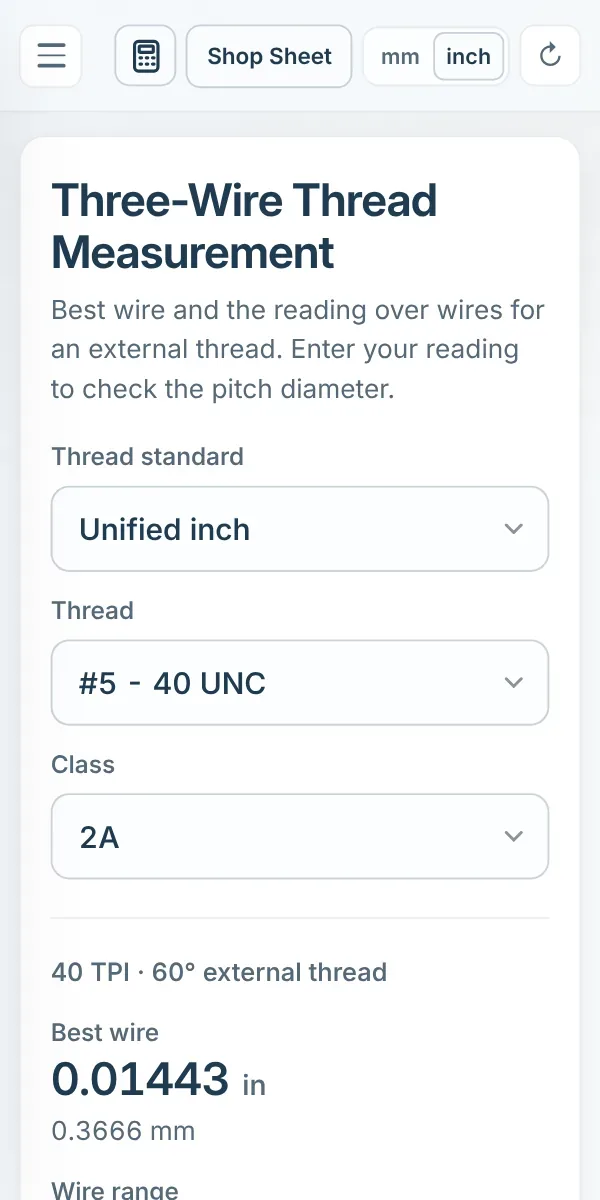
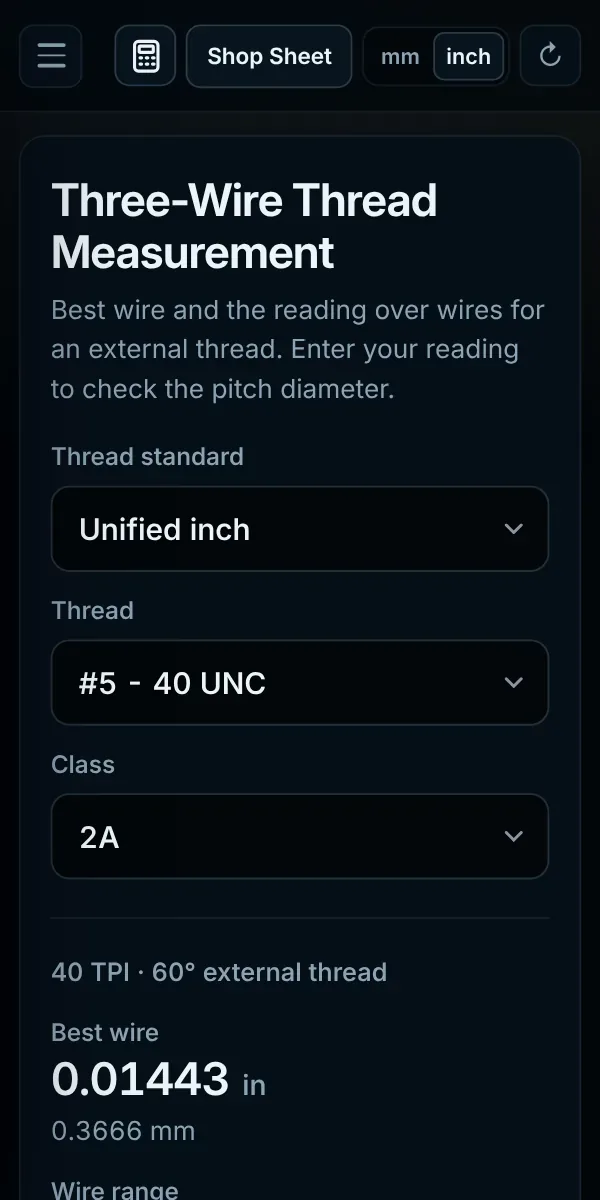
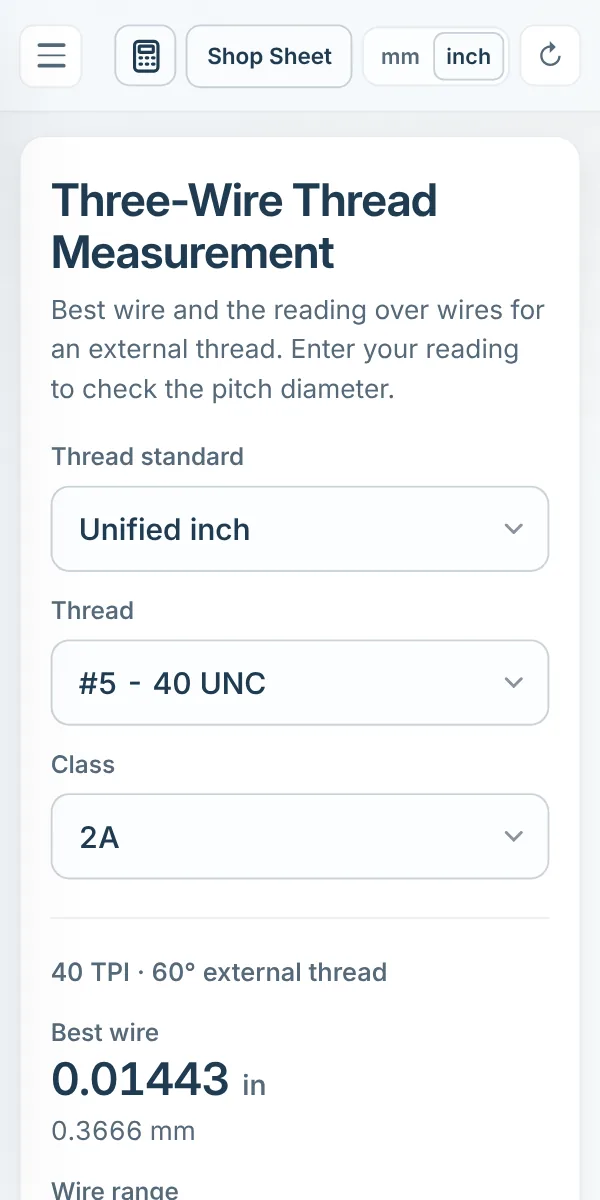
Select the thread standard, size, and tolerance class, enter the actual calibrated wire diameter you're using, and get the target measurement over wires for both limits — alongside a profile that shows precisely how the three wires sit against the thread flanks.
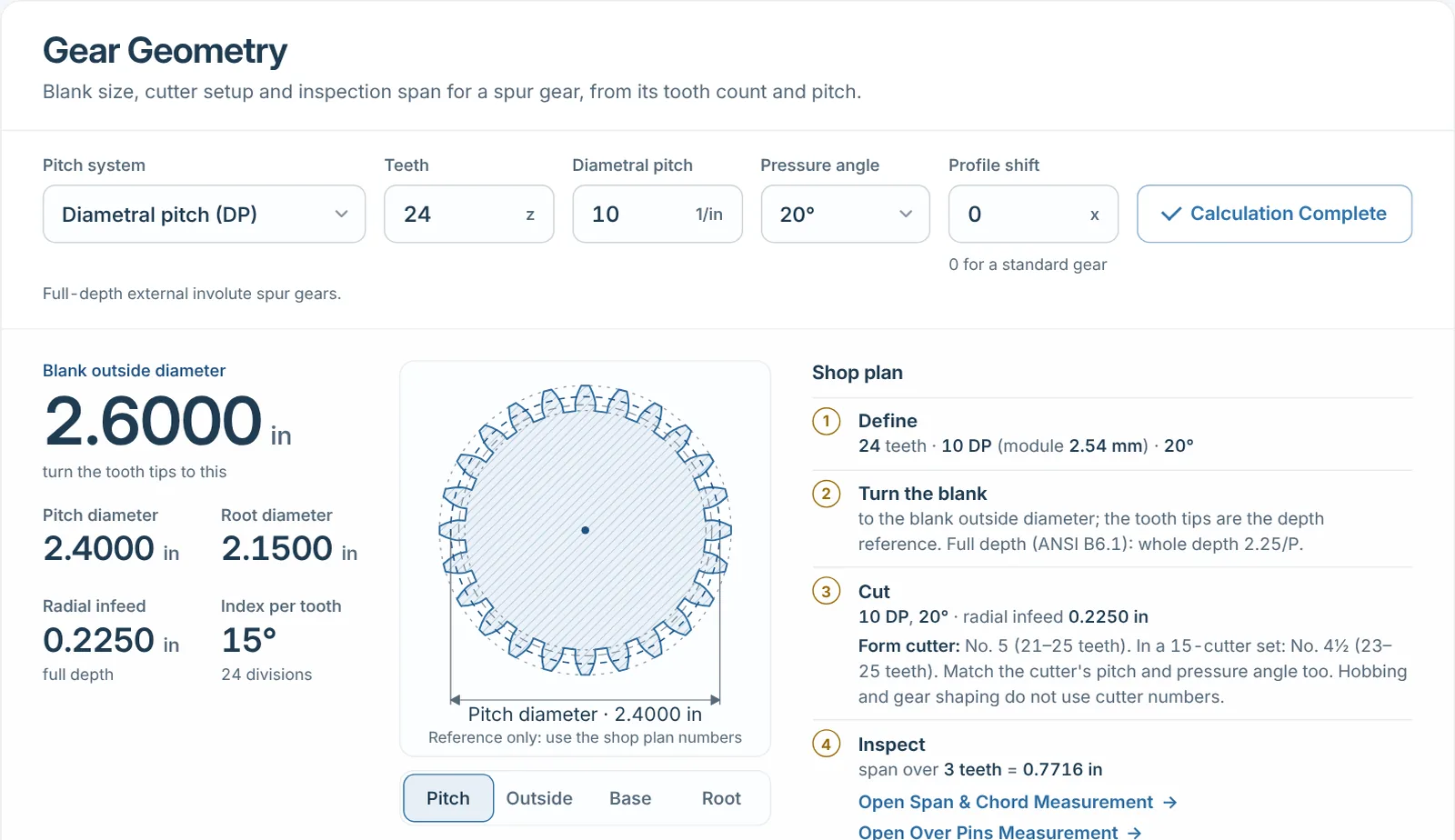
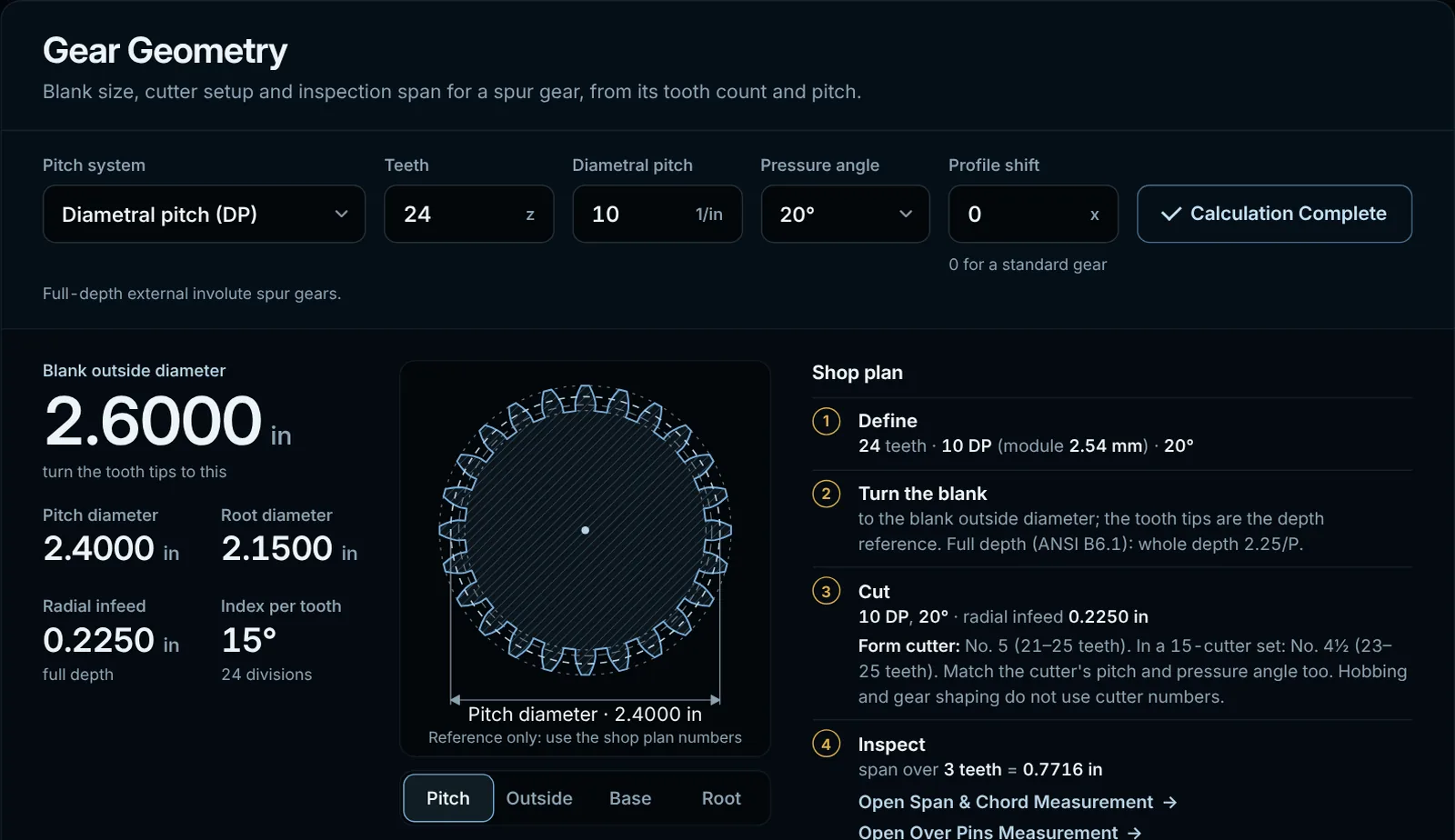
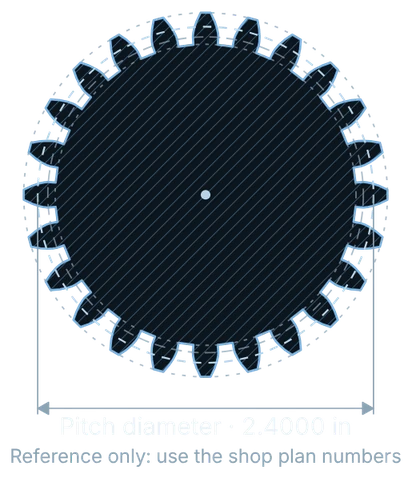
Enter the tooth count, pitch system, and pressure angle, and Machinist Companion turns it into the numbers a shop actually needs — blank diameter, cutter setup, and inspection span — alongside a dimensioned reference drawing of the tooth form.
Break down any feature control frame to see what each compartment means, then look up any of the twelve standard geometric controls for a plain-language explanation of what it controls, how to picture the tolerance zone, and how a machinist actually checks it.
Inputs and results stay close together. Most calculations update as you work, with no multi-step wizard between you and the answer.
The same visual language carries from calculator to calculator, reducing the friction of switching between unrelated shop tasks.
Metric and inch workflows are treated as first-class use cases rather than an afterthought.
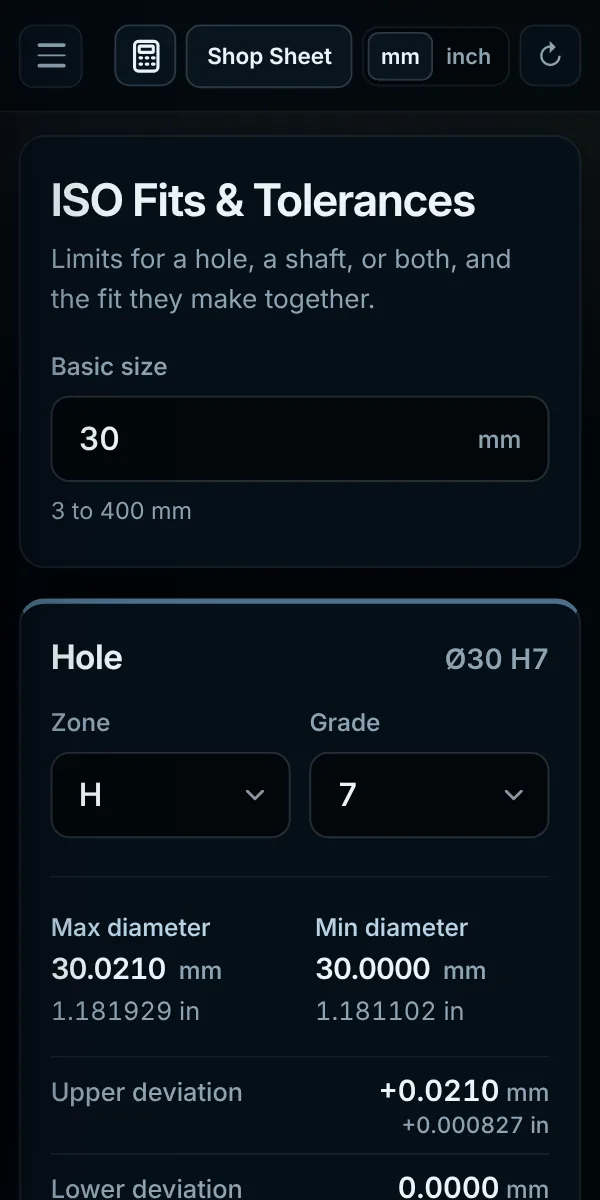
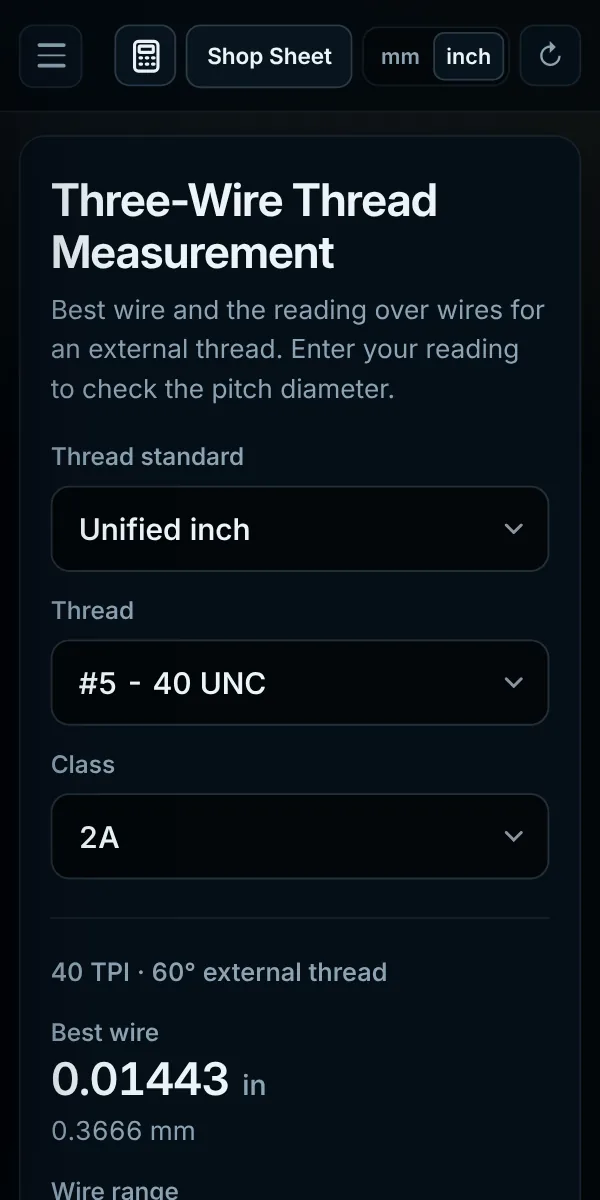
The responsive layout is designed to remain usable on a desktop, tablet, or phone without burying the important numbers.
Machinist Companion includes source and scope information alongside its technical tools. Reference data and implemented standards can be traced instead of being presented as unexplained numbers.
Always verify critical dimensions, safety requirements, material limits, and process specifications against the governing drawing, standard, tooling documentation, or qualified engineering source.